No interview invitations
How can I use AI for my CV?
From rough notes to a checked CV entry
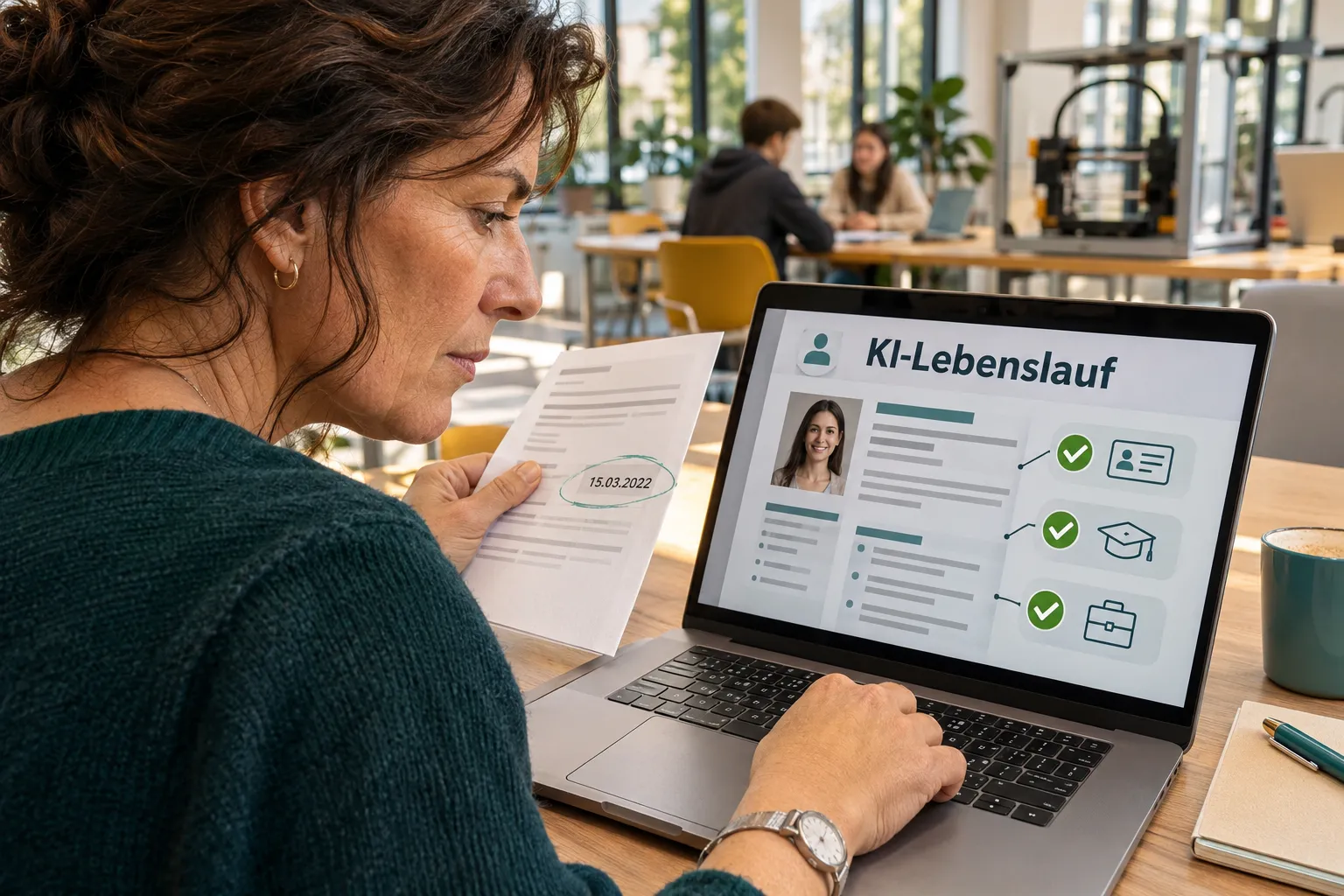
Many people try using AI for their CV and are surprised by how good the wording sounds. Our practical view is that this is precisely where the risk lies. A sentence that sounds convincing isn’t necessarily accurate.
As an example, let’s take Rita, 56, deputy head of customer service at a service company. She wants to update this role on her CV. She gives the AI anonymised rough notes: «Company A, service company. Title according to employment reference: deputy head of customer service. Dates according to reference and CV: 04/2013 to 09/2020. Tasks according to reference: handling complaints, training new employees. Personal recollection: training using existing checklists. No customer satisfaction measurement available. No substantiated information on savings or team size.»
Rita’s instruction to the AI is: «Write a short entry for my CV using the following anonymised bullet points. Keep the role and dates unchanged. Use only the tasks mentioned and substantiated results. Don’t invent figures, titles, responsibilities or achievements. Flag any uncertainties as questions instead of filling them in yourself. Provide a factual version without promotional language.»
The AI replies: «Head of customer service, Company A, 2012 to 2020. Increased customer satisfaction by 40% and streamlined training processes.» This is deliberately shown as an example of what can go wrong. Even a precise instruction doesn’t replace your own checks: AI can ignore instructions and add wording that sounds convincing.
Rita checks every statement against its source. The title «Head» is wrong; the reference says deputy head. The dates «from 2012» are wrong; the documented dates are 04/2013 to 09/2020. There is no measurement to support the 40 per cent, so she removes the figure and the claim of achievement altogether. Instead of «streamlined training processes», she describes what is substantiated: training using existing checklists.
This is the checked entry: «04/2013 to 09/2020 | Deputy Head of Customer Service | Company A. Handled complaints and trained new employees using existing checklists.» It sounds less impressive, but it’s more accurate, and Rita can explain both tasks in an interview. You don’t need to replace an unsubstantiated percentage with a softer claim such as «significantly improved». That would also need evidence. If you can’t clearly remember a detail, leave it out.
What to keep private and how to make corrections
Anonymised extracts are enough for a first draft. You don’t need to upload a complete CV with your address, date of birth, photo and signature. Use placeholders for employers and remove the names of customers, patients and colleagues. Confidential internal figures don’t belong in a general AI prompt. Anonymising also means leaving out identifying project details, not just replacing the company name. Before using a service, check how it handles the information you enter. If you’re unsure, use only non-sensitive, anonymised information.
Keep your original documents separate and use them to check the details. In your final CV, replace «Company A» with the correct employer. Check this change too, as names from other drafts can remain when you copy and paste.
How to use AI effectively: it can shorten long task lists, organise bullet points and suggest different ways to phrase things. It can’t decide what you actually did. Start by giving it information about just one role. This makes errors easier to spot than having it rewrite your entire CV.
«Revise your suggestion using only my rough notes. The title, dates and achievement figure were wrong. Use the substantiated title and dates, remove the claim of achievement and describe only the tasks mentioned. Then list the information you used and any questions that remain unanswered.»
Check the second response against your own material too, because an AI’s explanation isn’t proof. Read the new version aloud: is this how you would describe your work? Replace unfamiliar promotional language with the terms actually used in your profession.
The CV Booster from CARERO by SeniorsAtWork analyses your CV and shows you which roles are relevant to a job. You still need to check the information yourself.
Your task for today
Set aside 20 minutes to work on one role. Write down the title, dates and two actual tasks as anonymised bullet points, then use the instruction from this article. Compare the response word for word with your information. Only then add an entry to your CV.
Rita and the example entries in this article are fictional.
Frequently asked questions
How can I check for myself whether it’s right?
Check your entry with three questions: Do the title and dates match my documents? Can I explain every task in an interview? Have I removed every figure and achievement I cannot substantiate?
Can AI write my CV?
It can produce a draft. Checking it is still your responsibility.
What information should I not enter?
Decide for yourself what you want to share. Don’t enter confidential company data.
How can I spot invented information?
Compare every line with your references and old CVs. Remove anything you can’t find there or substantiate yourself.
What information should I give the AI?
Use your old CV, plus bullet points listing your tasks and dates. Replace company names with placeholders, and leave out your address and date of birth.
What if I don’t feel confident using technology?
You’re the expert in your profession. AI is a tool that makes suggestions. You decide what’s accurate and what goes into your CV.
Was this article interesting?
Read more

No interview invitations
Why am I not being invited to interviews?

No interview invitations
What should my CV look like after 50?
No interview invitations
How do I write a Cover Letter without clichés?

Finding suitable jobs